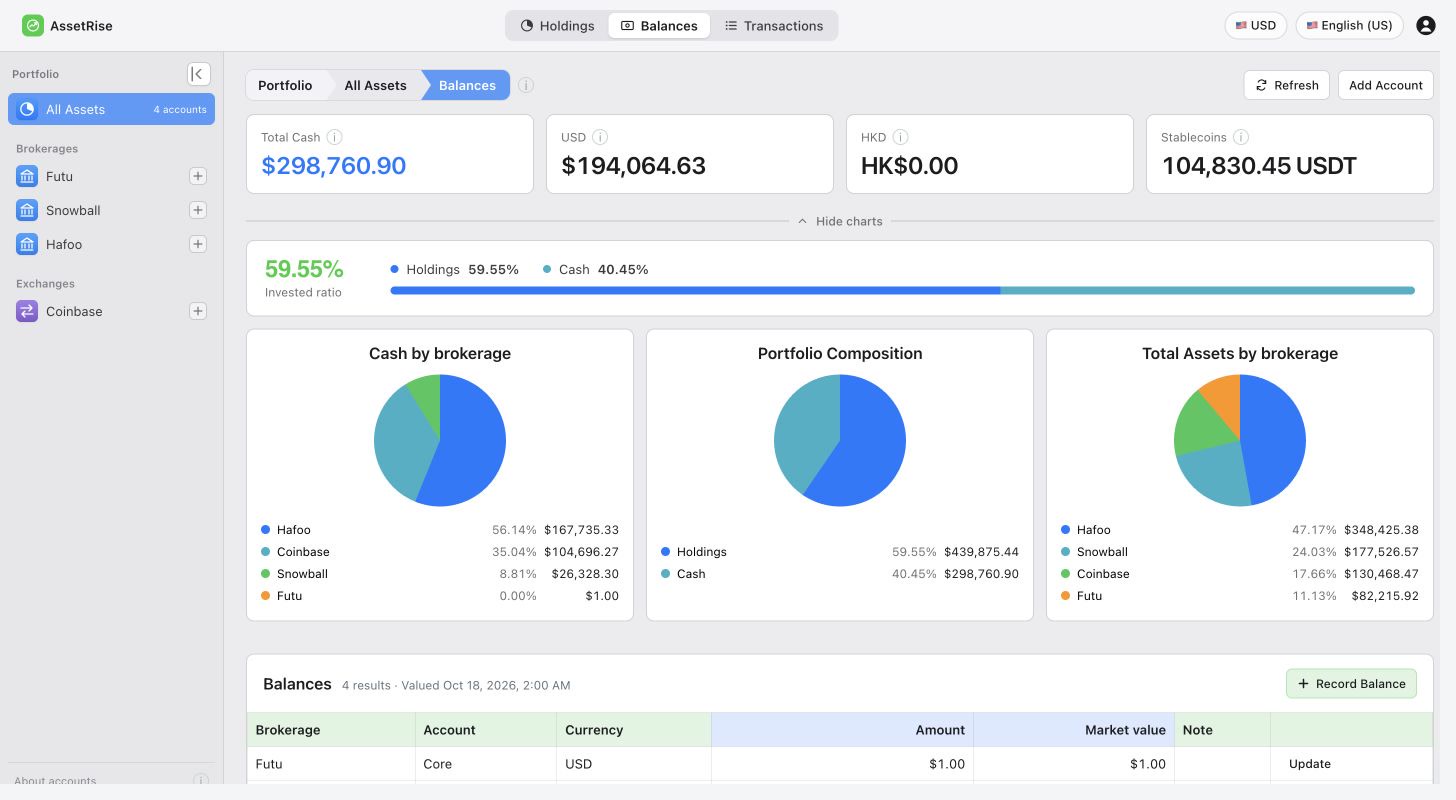
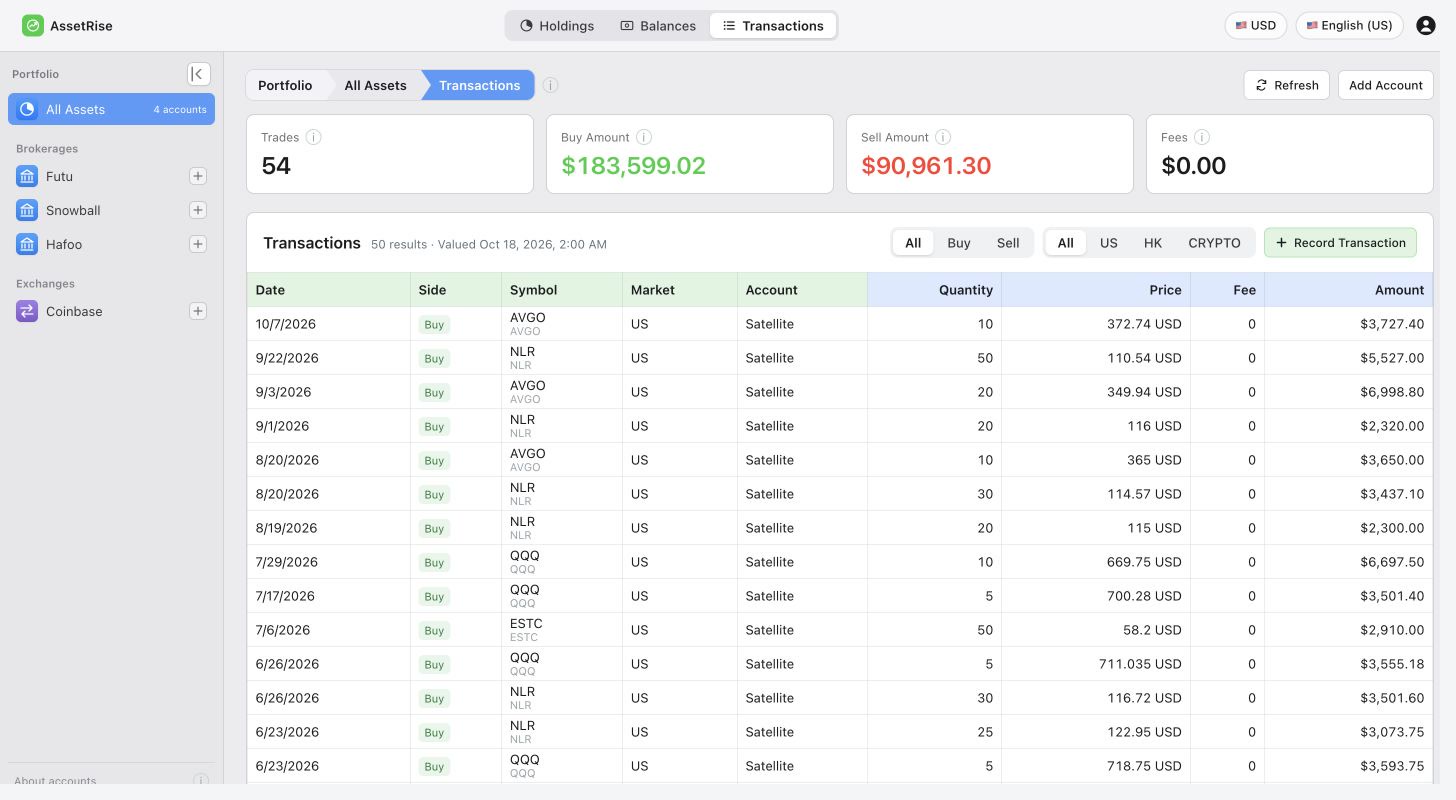
Centralized multi-broker management
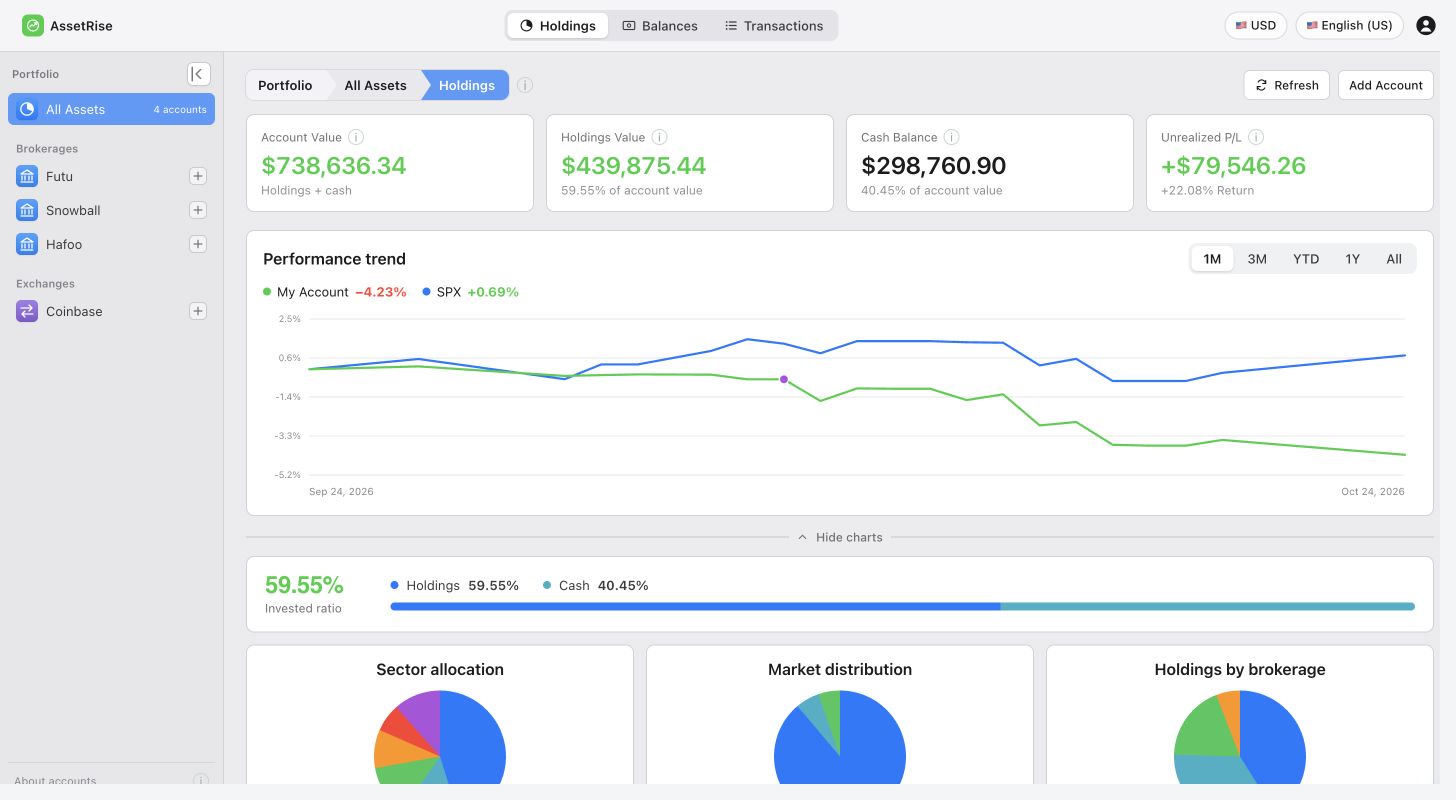
Combine holdings, cash balances, and account values from every broker to understand your asset allocation at a glance.
Track US stocks and cryptocurrency for free across brokers and currencies. Bring holdings, cash, and transactions together, then connect ChatGPT to explore your portfolio structure.
Track US stocks and cryptocurrency across brokers, with cash in its original currency. Your portfolio is available in the browser and as an installed PWA.
Combine holdings, cash balances, and account values from every broker to understand your asset allocation at a glance.
Keep cash in its original currency while viewing total portfolio value and account composition in your chosen reporting currency.
Review US stock and cryptocurrency holdings by market, sector, and broker to understand the true composition of your portfolio faster.
Connect the AssetRise ChatGPT plugin or a compatible MCP client. With your authorization, the model can read your holdings and help explain how your portfolio is put together.
Ask the model to group holdings across accounts by asset, market, or currency.
Discuss large positions and overlapping holdings across different brokers.
Use your actual holdings as context for a more specific portfolio review.
Analyze my holdings by market and currency. Where is the portfolio concentrated?
Which positions overlap across my brokerage accounts? Summarize my portfolio structure.Connect ChatGPT or another AI client
Available tools and connection options depend on the AI client and your granted permissions.
Open AssetRise in your browser, or install the PWA on your computer, phone, or tablet. Your holdings, cash, and transactions stay with the same account.
A universal portfolio app, with no separate desktop installer. Open the web app to get started.
In a supported browser, open AssetRise and choose Install app from the address bar or browser menu.
Open AssetRise in Safari, tap Share, then Add to Home Screen.
Open AssetRise in Chrome and choose Install app or Add to Home screen from the menu.
Installation options depend on your browser and device. You can always use the web app directly.